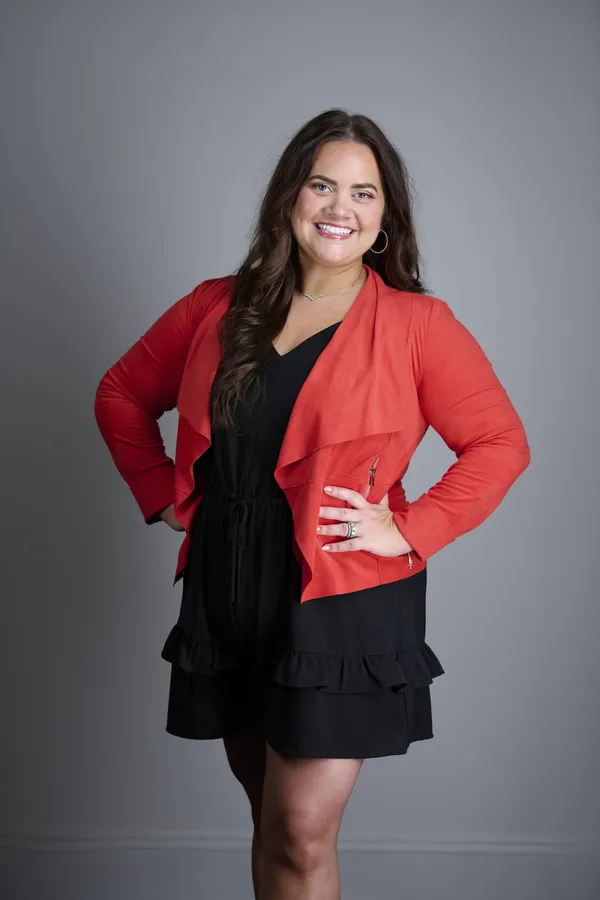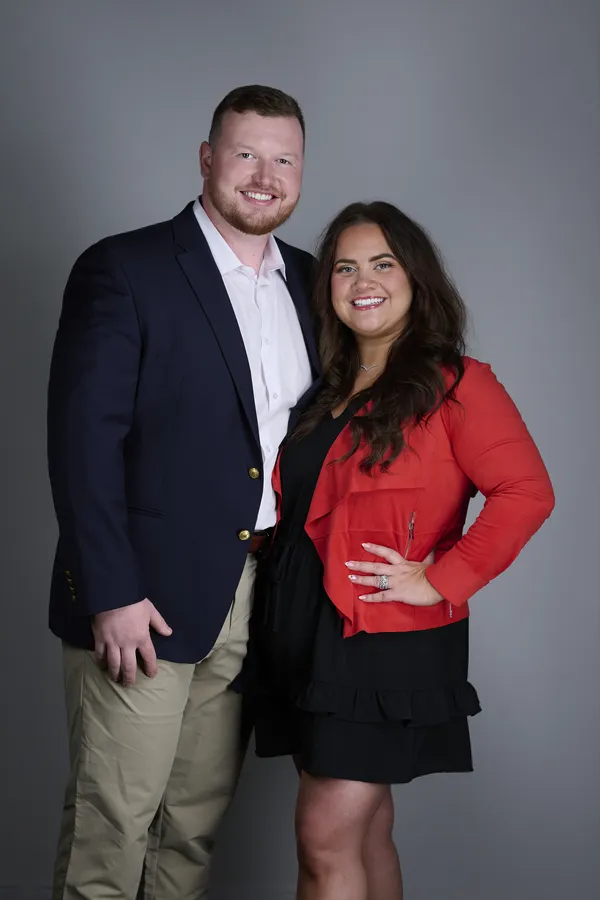
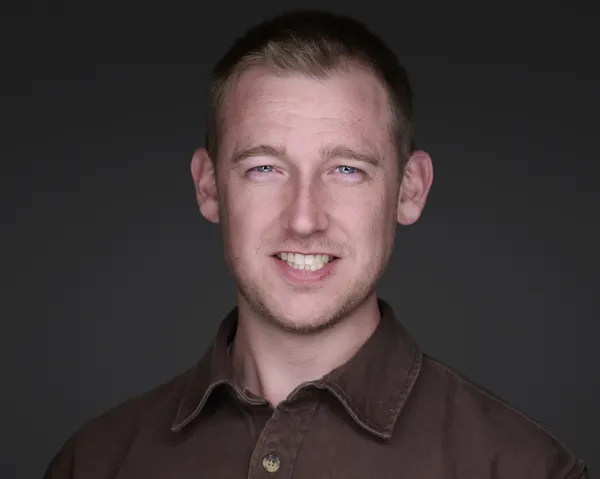
Coordinating corporate headshot photography for a team involves more than just scheduling. This complete guide covers aligning brand identity, managing logistics, and ensuring every employee looks polished and confident across your website, LinkedIn, and marketing materials. This guide covers planning, budgeting, and running a corporate headshot session, from 5 people to 500.
Why Corporate Headshots Matter for Your Business
Team headshot photography serves multiple high-value purposes beyond aesthetics:
- Brand consistency: Uniform headshots across your team signal professionalism and cohesion. Mismatched images with different lighting, backgrounds, and styles undermine brand credibility.
- Trust and transparency: Businesses with employee photos on websites tend to build stronger connections with visitors. Faces create connections that stock photos or text-only profiles can't match.
- Recruitment and retention: Professional headshots can help employees feel represented and showcasing your company culture to prospective hires.
- Multi-platform presence: Consistent images scale across LinkedIn, email signatures, ID badges, press kits, and conference materials.
At HeadshotsNEO, we've streamlined this process for Northeast Ohio companies, from startups to Fortune 500 teams, ensuring efficiency without sacrificing quality.
Planning Your Corporate Headshot Session: 6-Week Timeline
Success starts with preparation. Follow this timeline to avoid last-minute chaos:
6 Weeks Out: Define Vision and Budget
- Set objectives: What will headshots be used for? Website "About" page, LinkedIn profiles, email signatures, marketing collateral? This dictates style (formal vs. approachable).
- Determine headcount: Confirm how many employees need photos. Factor in turnover and consider composite group options for easy future updates.
- Allocate budget: Corporate headshot pricing depends on market, scope, image count, travel, and delivery. Include travel fees if on-site.
- Choose format: Studio vs. on-site. Studio offers controlled environments; on-site saves employee travel time. For teams 10+, on-site is usually cost-effective.
4 Weeks Out: Book Photographer and Set Guidelines
- Vet photographers: Review portfolios for corporate experience. Ask about turnaround times, retouching standards, and volume pricing. Request references from similar-sized teams.
- Confirm deliverables: How many final images per person? (Typically 2-3 for variety.) File formats? (High-res JPG standard; raw files rare unless requested.) Usage rights?
- Draft style guide: Define wardrobe colors (e.g., "neutrals and blues, avoid loud patterns"), background preferences (solid colors vs. office environments), and tone (serious, approachable, creative).
2 Weeks Out: Communicate with Team
- Send prep email: Share wardrobe guidelines, grooming tips, and session logistics. Attach a visual style guide (examples of approved headshots).
- Schedule slots: Allocate 15-20 minutes per person for standard headshots, 30 minutes for executives needing multiple looks. Use scheduling tools (Calendly, Google Calendar) to avoid congestion.
- Coordinate on-site setup: If shooting at your office, designate a quiet room with space for backdrops and lighting. Avoid windows (unpredictable light) and high-traffic areas (distractions).
1 Week Out: Final Confirmations
- Reconfirm attendance: Send reminder emails. No-shows waste budget; consider backup slots.
- Test on-site logistics: Check power outlets, Wi-Fi (for tethered shooting), and HVAC noise levels. Photographers need stable electricity and quiet environments.
- Prep grooming kits: Stock lint rollers, mirrors, tissues, and blotting papers in the waiting area. Small touches prevent delays.
Shoot Day: Execute Smoothly
- Designate a point person: Someone from HR or marketing should greet employees, manage the schedule, and troubleshoot (late arrivals, wardrobe issues).
- Keep it moving: Stick to time slots. Delays compound, and 20 people each running 10 minutes late can cost 3+ hours.
- Review live previews: If your photographer offers tethered shooting, spot-check images for consistency (lighting, framing, background). Catch errors before wrapping.
Post-Session: Delivery and Rollout
- Standard turnaround: Ask the photographer to confirm delivery timing before the session. Rush delivery may be available for urgent launches and should be included in the quote.
- Organize files: Photographers deliver via cloud link (Dropbox, Google Drive). Name files consistently (FirstName_LastName.jpg) for easy upload to directories.
- Update platforms: Roll out headshots across your website, LinkedIn, email signatures, and marketing materials simultaneously. Staggered updates look disorganized.
Wardrobe and Style Guidelines for Consistency
Uniform doesn't mean identical. Aim for cohesive variety. Here's how to guide employees without stifling personality:
Color Palette
- Approved colors: Navy, gray, black, white, beige, muted blues/greens. These photograph well and pair with any background.
- Avoid: Neon, loud patterns, all-white (blends with backgrounds), all-black (harsh contrast). One accent color (burgundy tie, subtle scarf) adds personality.
- Industry tweaks: Tech/startups can embrace casual button-ups or knits. Finance/law skew formal with blazers and ties as standard.
Clothing Fit and Style
- Tailored fit: Clothes should fit comfortably without pulling or bagging. Wrinkled fabrics scream unprepared.
- Necklines: Crew, V-neck, collared shirts work universally. Avoid low-cut tops or turtlenecks (limit face framing).
- Layers: Blazers add structure; cardigans soften. Keep layers simple and avoid busy vests or multi-pattern combos.
Accessories
- Minimal jewelry: Stud earrings, simple watches, thin chains. Reflective or oversized pieces cause glare or distraction.
- Glasses: Clean lenses, anti-glare coating if possible. Position lights to avoid reflections.
- Ties and scarves: Solid or subtle patterns. Ensure ties are straight and scarves drape cleanly.
Sample Style Guide Template
Corporate Headshot Wardrobe Guidelines
Approved Colors: Navy, gray, black, white, beige, muted blues
Avoid: Neon, loud patterns, logos, all-white/all-black
Fit: Tailored, wrinkle-free, professional
Accessories: Keep it minimal with simple jewelry, clean glasses
Grooming: Fresh haircut (week prior), natural makeup, lint-free clothing
Questions? Contact [HR/Marketing Lead] by [Date]
Background and Lighting Choices
Your background sets the tone. Here are the most popular options for corporate photography services:
| Background Type | Vibe | Best For | Considerations |
|---|---|---|---|
| Solid Gray/White | Clean, timeless, neutral | All industries, LinkedIn-focused | Most versatile; matches any website |
| Blurred Office | Contextual, professional | Corporate sites, "About Us" pages | Requires tidy office space; avoid clutter |
| Branded Backdrop | On-brand, cohesive | Companies with strong visual identity | Ask whether production and reuse are included in the quote |
| Outdoor/Natural Light | Warm, approachable, modern | Startups, creative agencies | Weather-dependent; harder to control |
Professional photographers use 2-3 light setups (key, fill, hair/rim lights) to eliminate shadows and sculpt faces evenly. Natural-light-only setups risk inconsistency across a large team.
Budgeting for Corporate Team Headshots
Quotes change with team size, location, scheduling, background needs, and final delivery. Use this breakdown to gather the details a photographer needs:
| Team Size | Quote Type | Details to Provide | Notes |
|---|---|---|---|
| 1-5 people | Small-team quote | Location, background, and final image count | Studio or on-location options may work |
| 6-15 people | Team-session quote | Headcount, timing, and intended file use | Ask about a coordinated team schedule |
| 16-50 people | On-location quote | Space, schedule, backdrop, and delivery requirements | On-location is often the practical choice |
| 50+ people | Custom production quote | Locations, dates, staffing, and file-delivery plan | May require multiple sessions or days |
Add-ons to factor: Add-ons may include travel, rush delivery, hair/makeup, or custom backdrop costs, depending on the provider and scope.
Studio vs. On-Site: Which Is Right for You?
Studio Sessions
Pros:
- Controlled lighting, acoustics, and backdrops for maximum quality consistency.
- No setup/breakdown time charged to you; photographer's space is ready.
- Often includes amenities (mirrors, grooming stations, comfortable waiting areas).
Cons:
- Employees must travel, potentially disrupting workday.
- Scheduling conflicts if team is large (multiple days needed).
Often a good fit for: Teams under 15, geographically dispersed teams, or when studio quality is non-negotiable.
On-Site Sessions
Pros:
- Minimal employee disruption: walk down the hall, get photo, return to work.
- Can photograph 20-50 people in one day with efficient scheduling.
- Option for environmental shots (employees at desks, in labs, etc.) for storytelling.
Cons:
- Requires suitable space (quiet, adequate power, controlled lighting).
- Travel and setup requirements should be confirmed in the written quote.
- Background variety limited unless photographer brings multiple setups.
Often a good fit for: Teams 15+, tight schedules, or when capturing office environment adds value.
Composite Group Photos: The Smart Scalability Solution
Traditional group photos become obsolete the moment someone joins or leaves. Composite group photos solve this by photographing individuals separately, then assembling them digitally into a unified team image. Benefits include:
- Flexibility: Add or remove team members without reshooting everyone.
- Consistency: Same lighting/background for all, even if shot months apart.
- No scheduling chaos: New hires drop in for 20-minute sessions instead of coordinating 50 calendars.
Composite updates may be priced separately depending on the photographer and editing requirements. Perfect for growing companies or frequent turnover roles.
Common Mistakes and How to Avoid Them
| Mistake | Impact | Solution |
|---|---|---|
| No style guide sent | Mismatched wardrobe; brand inconsistency | Email guidelines 2+ weeks ahead with visual examples |
| Underestimating time | Rushed sessions; poor results | Allocate 15-20 min/person; buffer for delays |
| Poor on-site space | Noisy backgrounds, bad lighting | Scout location with photographer beforehand |
| Skipping grooming prep | Lint, wrinkles, flyaways in photos | Provide mirrors, lint rollers, blotting papers |
| No post-shoot plan | Photos sit unused; wasted investment | Schedule rollout date; assign upload tasks |
Maximizing ROI: How to Use Corporate Headshots Effectively
Don't let your investment gather digital dust. Deploy headshots strategically:
- Website "About" or "Team" pages: Can make your brand feel more personal and approachable.
- LinkedIn profiles: Encourage updated photos after delivery. Consistent branding can support a more cohesive company presence.
- Email signatures: Adds professionalism to every outbound message.
- Marketing materials: Brochures, case studies, and conference materials. Faces can make marketing materials feel more personal than logo-only layouts.
- Internal directories: ID badges and intranet profiles, useful for onboarding and cross-team collaboration.
- Press and media kits: High-res headshots ready for journalists, event organizers, or award nominations.
Plan Your Team Headshot Day
A good team headshot day starts with a headcount, location, visual reference, and realistic schedule. HeadshotsNEO helps plan the setup, photograph each person consistently, and deliver files for your website and internal profiles. Send us the logistics and we will put together a written quote.