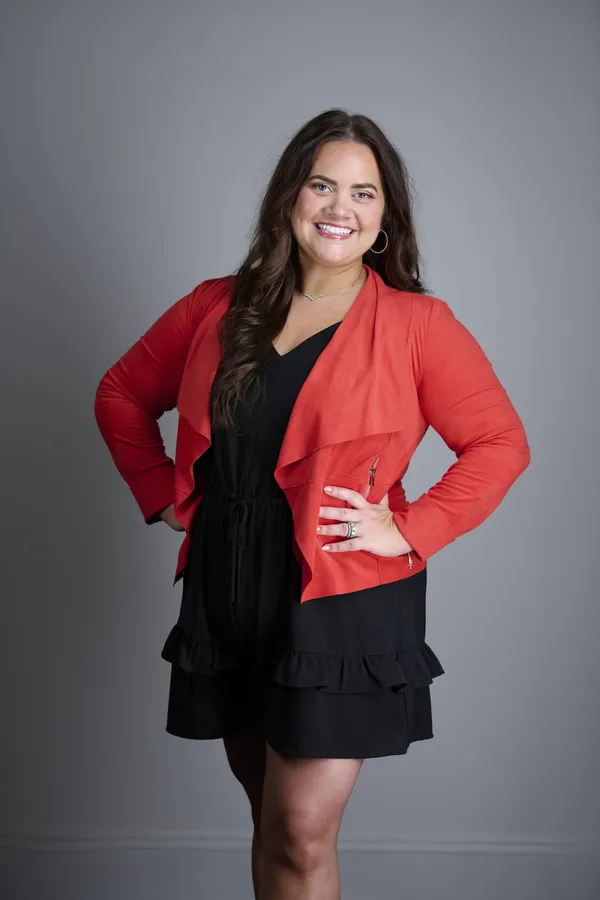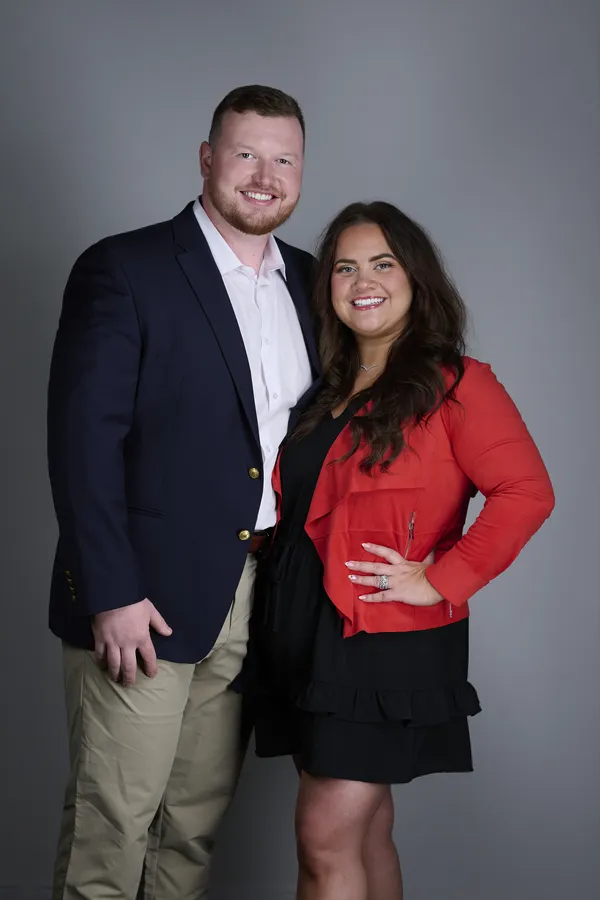
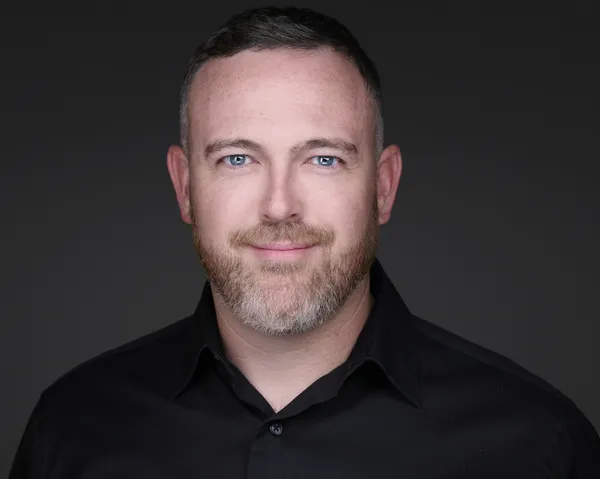
Your LinkedIn profile photo is the single visual element that determines whether recruiters, clients, and connections engage with your profile. Profiles with clear, professional photos may appear more complete and approachable. Yet many users get it wrong: outdated selfies, poor lighting, awkward crops, or no photo at all. This guide shares essential tips and covers common details recruiters and clients may notice in those critical first seconds—helping you stand out and make thoughtful choices for a polished profile image.
Why Your LinkedIn Photo Matters More Than Ever in 2026
LinkedIn's algorithm prioritizes profiles with complete information, and a professional photo is a key completeness signal. A polished profile photo helps you stand out in recruiter searches and increases your visibility. Beyond that, psychology drives engagement:
- Trust signals: Faces build more trust than text-only profiles. A missing photo can make a profile feel less complete or harder to recognize.
- Memorability: Hiring managers review 100+ profiles per role. A strong photo makes you recognizable across applications, interviews, and follow-ups.
- Professionalism benchmark: Your photo sets tone. A polished image can support a professional impression; casual selfies may feel less intentional.
At HeadshotsNEO, we optimize LinkedIn headshots for Northeast Ohio professionals, ensuring your photo works as hard as your resume. Here's how to nail it.
LinkedIn's Technical Requirements: Get the Basics Right
Before artistic choices, meet LinkedIn's technical specs. Non-compliance means pixelation, cropping disasters, or upload failures.
File Format and Size
- Accepted formats: JPEG, PNG, GIF (though JPEG is standard for photos).
- File size: Minimum 400x400 pixels; maximum 7680x4320 pixels. LinkedIn recommends 400x400 to 800x800 for optimal display.
- Max file weight: 8MB. Most professional headshots export at 200KB-2MB.
Pro tip: Upload images at least 800x800px at 72 DPI. LinkedIn compresses files, so starting higher maintains clarity after processing.
Aspect Ratio and Cropping
- Display format: LinkedIn crops profile photos into a circle. Rectangular images lose corners.
- Safe zone: Keep your face centered in the middle 70% of the frame. Shoulders and background near edges get cropped.
- Preview before uploading: Use LinkedIn's built-in cropping tool to position your face optimally within the circle.
Composition and Framing: What Recruiters Actually See
Your photo appears in three contexts on LinkedIn: profile page (large circle), search results (small circle), and messages (tiny thumbnail). It must work at all sizes.
Face Positioning
- Face fills 60-70% of frame: Too close feels aggressive; too far loses detail in thumbnails. Your eyes should be in the upper third of the circle.
- Eye contact: Look directly at the camera. Off-camera gazes read as distracted or aloof in professional contexts.
- Head tilt: Straight or very slight (5 degrees max). Extreme tilts look casual, not professional.
Shoulders and Framing
- Show shoulders: Headshots framed from mid-chest up look complete. Tight crops (face-only) feel cramped.
- Body angle: Straight-on or slight 3/4 turn (body angled 20-30 degrees, face toward camera). This adds dimension without looking evasive.
- Space around head: Leave a thin margin (5-10% of frame) above your head. Tight crops cutting off hair look accidental.
Background Choices: Keep It Simple
Your background should disappear, not compete with your face.
Best Background Options
- Solid neutrals: Light gray, off-white, soft blue. These work across all industries and don't distract.
- Blurred professional environments: Office, bookshelf, or clean workspace out of focus. Adds context without clutter.
- Outdoor natural settings (blurred): Parks, campuses, or architecture softly out of focus. Conveys approachability, great for startups, education, and creative fields.
Backgrounds to Avoid
- Busy patterns or clutter: Messy desks, crowded rooms, or loud wallpaper distract from your face.
- Other people visible: Even blurred, they confuse viewers about who the profile belongs to.
- Pure white or pure black: Creates harsh contrast; faces get washed out or lost in shadows.
- Home/personal settings: Bedrooms, gyms, vacation spots signal unprofessional. LinkedIn is for work identity.
Wardrobe: Dress for Your Target Role
Your outfit communicates industry fit. Recruiters notice immediately if your attire matches the role level you're targeting.
Universal Wardrobe Rules
- Solid colors: Navy, gray, black, white, muted blues/greens. Avoid loud patterns, logos, or graphics as they distract and date quickly.
- Professional fit: Clothes should fit well without pulling or bagging. Wrinkles scream careless.
- Necklines: Collared shirts, crew necks, or V-necks work universally. Avoid turtlenecks (shorten neck) or low-cut tops (inappropriate).
- Timeless over trendy: Your photo should stay relevant 1-2 years. Avoid fashion-forward cuts or accessories that date quickly.
Industry-Specific Guidelines
| Industry | Wardrobe Recommendation | Avoid |
|---|---|---|
| Finance/Legal | Suit and tie, blazer, structured tops | Casual tees, open collars |
| Tech/Startups | Button-up (tie optional), smart casual | Overly formal suits, hoodies |
| Healthcare | Professional attire or clinical coat | Scrubs alone (unless patient-facing role) |
| Creative/Marketing | Polished casual, one statement piece | Overly corporate suits, messy layering |
| Education/Nonprofit | Smart casual, cardigans, blazers | Overly casual (tees), flashy accessories |
Expression and Body Language: Approachable Yet Professional
Your facial expression is the #1 element recruiters notice after confirming you have a photo. The right expression helps you stand out from hundreds of other candidates. Get it wrong, and you're skipped.
The Optimal LinkedIn Expression
- Natural smile with teeth (preferred): Smiling profiles tend to receive more engagement than serious ones. Genuine smiles where the eyes crinkle register as trustworthy.
- Soft smile (neutral-friendly): Acceptable for hyper-formal industries (law, finance) where gravitas matters, but still avoid full stoicism.
- Avoid forced grins: Overly wide or stiff smiles look fake. Think pleasant, not "say cheese."
Practice tip: Before your session, think of something genuinely pleasant like a favorite memory, compliment, or achievement. Real emotions translate to authentic smiles.
Posture and Body Language
- Shoulders back and down: Conveys confidence without tension. Hunched shoulders signal low energy.
- Open posture: Face the camera; avoid crossed arms (defensive) or turned-away bodies (evasive).
- Relaxed neck: Extend slightly forward ("turtle" move) and tilt chin down 5 degrees to sharpen jawline. Too high or low creates unflattering angles.
Lighting: The Make-or-Break Element
Poor lighting is the fastest way to ruin an otherwise good photo. Professionals invest in lighting; amateurs wing it.
Professional Lighting Standards
- Even, diffused light: Eliminates harsh shadows under eyes, nose, or chin. Professional setups use softboxes or reflectors to wrap light around your face.
- Catch lights in eyes: Small reflections from lights make eyes sparkle. Missing catch lights = flat, lifeless gaze.
- Avoid overhead lighting: Ceiling lights create raccoon-eye shadows. Front or 45-degree angle lighting flatters most faces.
- Natural light (if DIY): Shoot near large windows on overcast days (diffuses sun). Direct sun creates harsh contrasts.
Lighting Mistakes to Avoid
- Backlighting (windows behind you): Silhouettes your face; details lost in shadows.
- Mixed color temperatures: Indoor tungsten + outdoor daylight creates unnatural skin tones (yellow/blue tints).
- Flash-only lighting: Direct flash washes out faces and creates red-eye. Use bounce flash or diffusers if flash is necessary.
Retouching: Natural Enhancement, Not Fakery
Light retouching polishes; heavy editing backfires when you meet in person.
Acceptable Retouching
- Remove temporary blemishes: Pimples, cuts, or redness that won't be present in interviews.
- Even skin tone: Correct discoloration from lighting, not natural features.
- Brighten eyes/teeth subtly: Enhance clarity without creating unnatural whiteness.
- Clean stray hairs: Flyaways that catch light awkwardly.
Over-Retouching Red Flags
- Skin smoothing/airbrushing: Removes texture; looks plastic. Recruiters can tell.
- Altering facial features: Slimming face, enlarging eyes, reshaping nose. You must look like your photo in person.
- Filters: Instagram/Snapchat filters are instant credibility killers on LinkedIn.
Common LinkedIn Photo Mistakes That Kill Engagement
| Mistake | Impact | Solution |
|---|---|---|
| Using a selfie | Unprofessional; awkward angles/lighting | Hire professional or use tripod + timer |
| Group photo (cropped) | Confusing; looks rushed | Solo photo always; no cropped friends/family |
| Outdated photo (5+ years) | Doesn't match current appearance; dishonest | Update every 1-2 years or after changes |
| Casual/vacation photo | Signals low professionalism | Work-appropriate setting and attire only |
| Poor crop (face cut off) | Looks accidental; unprofessional | Use LinkedIn's crop tool; face centered |
| No photo at all | 21x fewer profile views; looks inactive | Any professional photo better than none |
How Often Should You Update Your LinkedIn Photo?
- Every 1-2 years: Standard refresh cycle, even if your look hasn't changed drastically. Shows you're active and current.
- After significant appearance changes: New haircut/color, facial hair growth/removal, weight change (15+ lbs), or aging that shows.
- When changing careers/industries: Align your photo with your new target role's dress code and vibe.
- If you're not getting recruiter engagement: A fresh, polished photo can reboot your visibility.
DIY vs. Professional: When to Invest
Smartphone photos can work if you control lighting and background carefully. But professional headshots deliver ROI:
When DIY Might Work
- You have good natural window light and a plain background.
- You use a high-quality camera (smartphone 2024+ models acceptable).
- You shoot 50+ frames to nail expression and angle (use timer, not selfie mode).
- You're entry-level or in a very casual industry (early-stage startups, freelance creative).
When to Hire a Professional
- You're job hunting actively or targeting senior roles (manager+).
- Your industry is conservative (finance, law, healthcare, consulting).
- You need headshots for multiple uses (LinkedIn, website, business cards, press).
- You want consistency across your team (corporate branding).
Pricing varies by market, session type, image count, and group size. The value comes from a more polished, consistent professional presentation.
Uploading and Optimizing Your Photo on LinkedIn
Once you have the perfect photo, upload it correctly:
- Use LinkedIn's crop tool: Position your face centered in the circle preview. Adjust zoom so eyes are in upper third.
- Test on mobile: Many LinkedIn views happen on mobile. Check how your thumbnail looks in search results and messages.
- Add alt text: Describe your photo for accessibility (e.g., "Professional headshot of [Your Name], smiling in business attire"). Helps SEO too.
- Announce the update: Post about your new photo with a simple caption. May help more connections notice it.
Ready to Upgrade Your LinkedIn Profile Photo?
A strong LinkedIn profile photo can be a useful investment in your personal brand. These tips add up to a professional, polished image that can help your profile feel more polished, recognizable, and approachable. Job hunting, building your network, or just keeping your profile current — the right photo makes you memorable and approachable. At HeadshotsNEO, we specialize in LinkedIn-optimized headshots for professionals across Northeast Ohio. Book your session today and let's create a photo that works as hard as your resume.