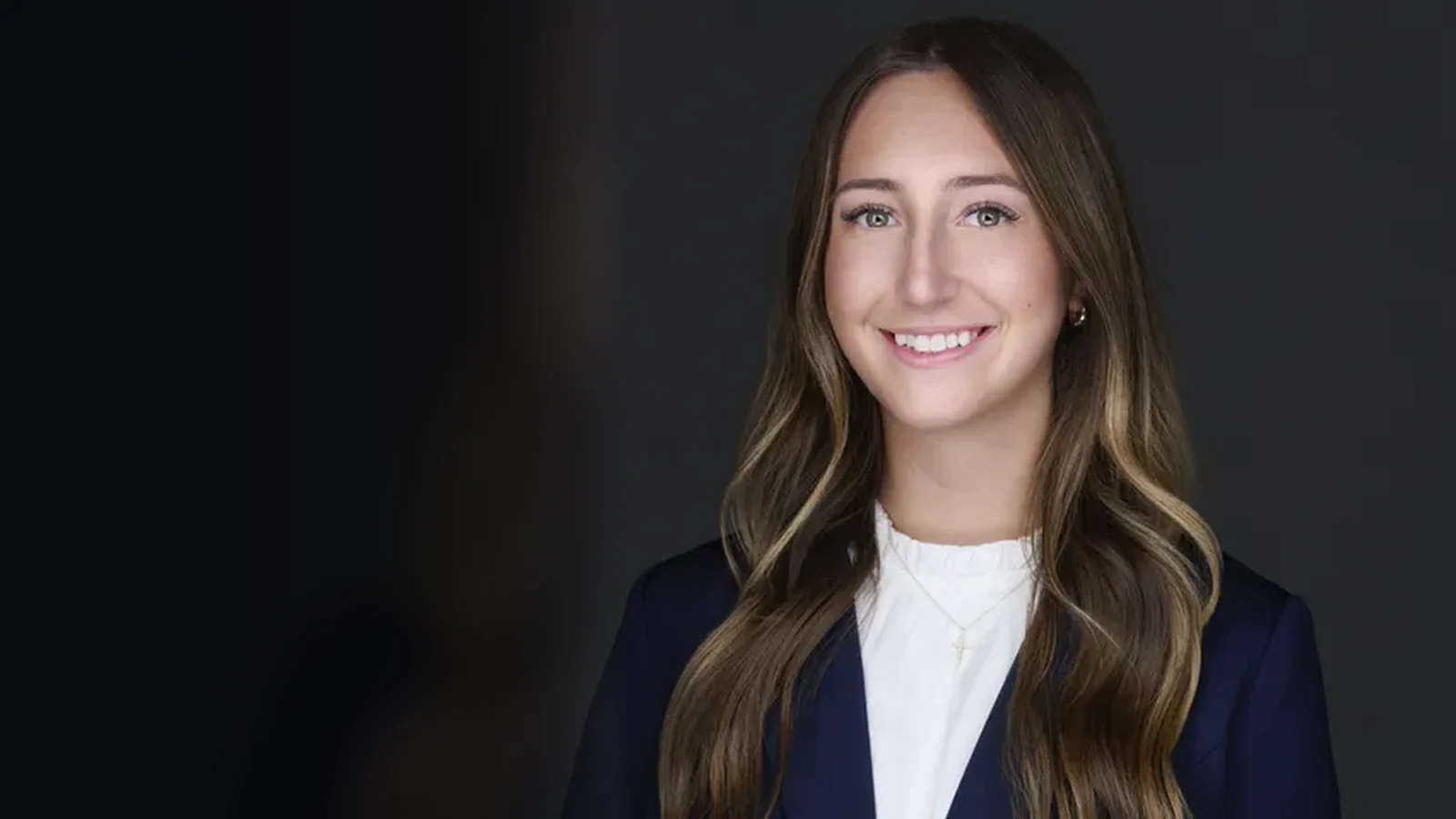
Headshots Made for LinkedIn
A natural expression, clean crop, and files sized for your profile
Schedule Your LinkedIn Headshot Session
Tell us what you do and how you use LinkedIn. We'll follow up with session details and available times.
Prefer to call? (330) 748-3330
Questions or Custom Plans
Get in Touch
Fill out the form below and we'll follow up as soon as possible
Why Your LinkedIn Photo Matters More Than You Think
Your LinkedIn profile photo is one of the most important professional photos you'll ever take. It's how recruiters, potential clients, colleagues, and industry leaders form their first impression of you. With over 900 million LinkedIn users, a clear professional headshot makes people more likely to accept your connection request or answer your message.
What we shoot for
LinkedIn Headshot Best Practices
We follow LinkedIn's own recommendations so your photo holds up at every size it gets displayed, from your profile page down to a message thumbnail.
Face-Focused Composition
Your face should occupy roughly 60% of the frame so it still reads at thumbnail size.
Professional Yet Approachable
Enough warmth that someone feels comfortable sending the first message.
Clean Background
A solid or simple background keeps the attention on your face.
High-Quality File
Delivered well above LinkedIn's 400x400px minimum so it stays sharp after their compression.
Current and Accurate
You should look like your photo when you walk into the meeting.
Proper Lighting
Studio lighting controls the shadows instead of leaving them to a ceiling fixture.
Professional photo vs. doing it yourself
What the Research Actually Says
Your phone can take a sharp picture. That is not the part a session is for. The numbers below are the ones we can point to a source for, and we have noted what each one does and does not measure.
21x
more profile views for members with a photo than without one
9x
more connection requests for members with a photo
36x
more messages received by members with a photo
100ms
is enough to judge a face on competence and trustworthiness. Longer looks did not change the verdict
Willis & Todorov, Psychological Science, 2006
Read those first three carefully. They compare having a photo to having no photo at all, which is not the same question as whether a professional one beats a selfie. We are not going to pretend otherwise.
The Study That Gets Closer to the Real Question
Photofeeler collected more than 60,000 ratings across 800 business profile photos and measured how specific variables changed the way a person was perceived on competence, likability, and influence. It never staged a professional headshot against a selfie. What it did do is identify which variables move the needle, and every one of them is something a session controls and a phone at arm's length usually does not.
| Variable | What the ratings showed | How we handle it |
|---|---|---|
| Lighting | Photos rated as dark scored lower on likability. | Studio lights are set for your face, not borrowed from whatever room you are in. |
| Wardrobe | Formal dress was the single largest positive shift measured, on both competence and influence. | Bring a few options and we choose on camera, where you can see the difference. |
| Framing | Full-body shots scored lower on competence and influence; face-only crops scored lower on likability. | We frame from mid-chest and deliver a square crop built for LinkedIn's circle. |
| Expression | A genuine smile showing teeth produced the largest likability gain in the data. | This is the coaching part. You are responding to a conversation, not holding a pose. |
| Background | Clutter behind the subject pulled scores down across the board. | Seamless backdrops in the studio, or a controlled depth of field on location. |
| Clear Eyes | Anything obscuring the face, including hair, shadow, and glare, cost both competence and influence. | We angle glasses to kill reflections and check every frame on the monitor. |
Sources: LinkedIn; Willis & Todorov, “First Impressions: Making Up Your Mind After a 100-Ms Exposure to a Face,” Psychological Science, 2006; Photofeeler, “The Perfect Profile Photo” research study.
The honest summary: nobody has published a clean number for professional versus selfie. What is documented is that people decide about your face in a tenth of a second, and that lighting, framing, wardrobe, background, and expression measurably change that decision. Those five things are the session.
Book a LinkedIn SessionLinkedIn Headshot Portfolio
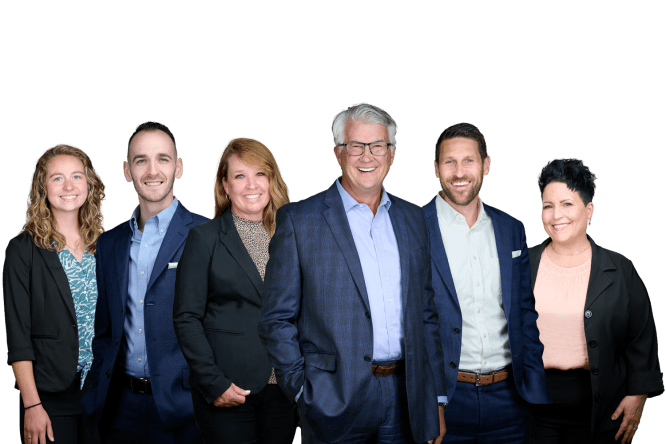
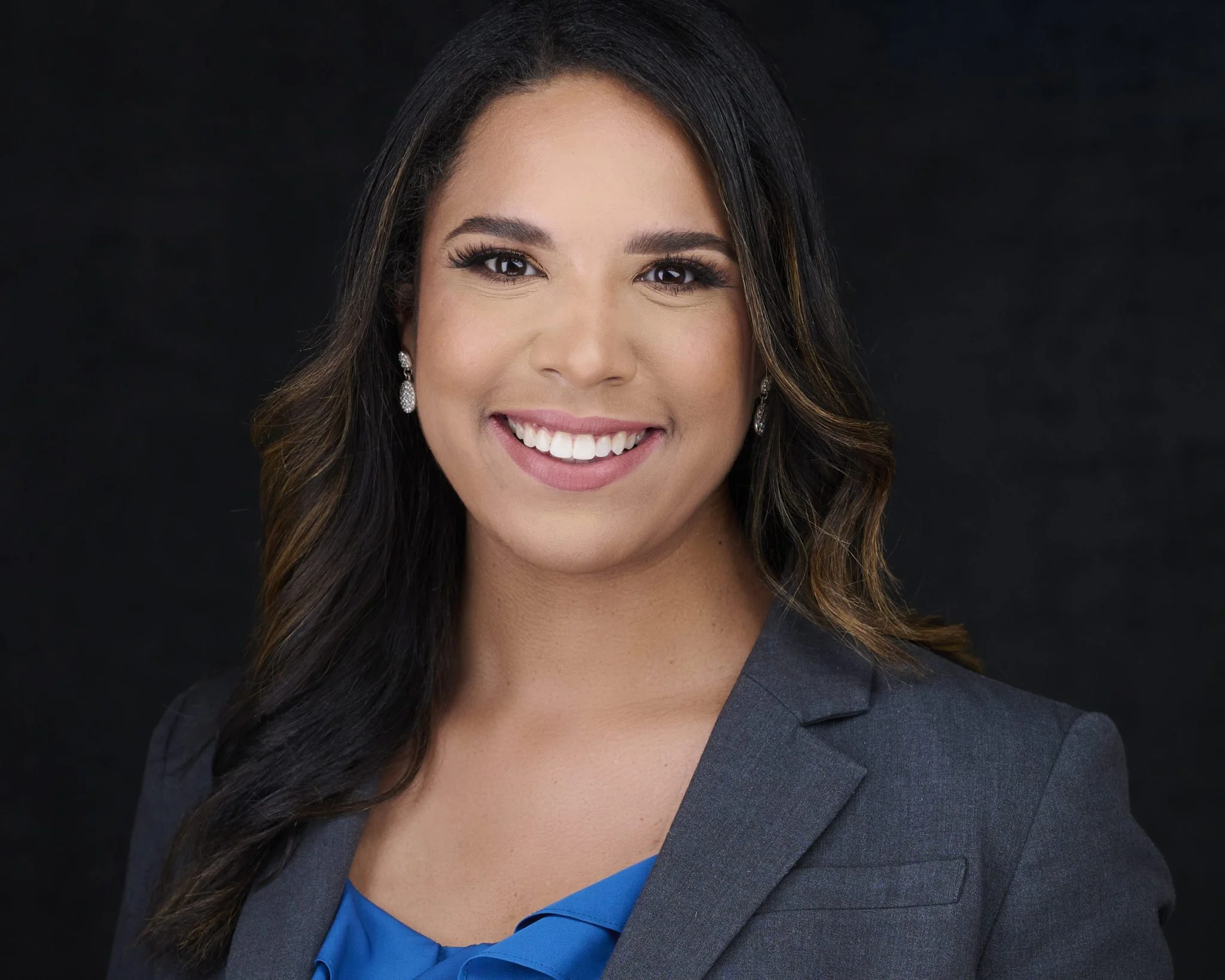
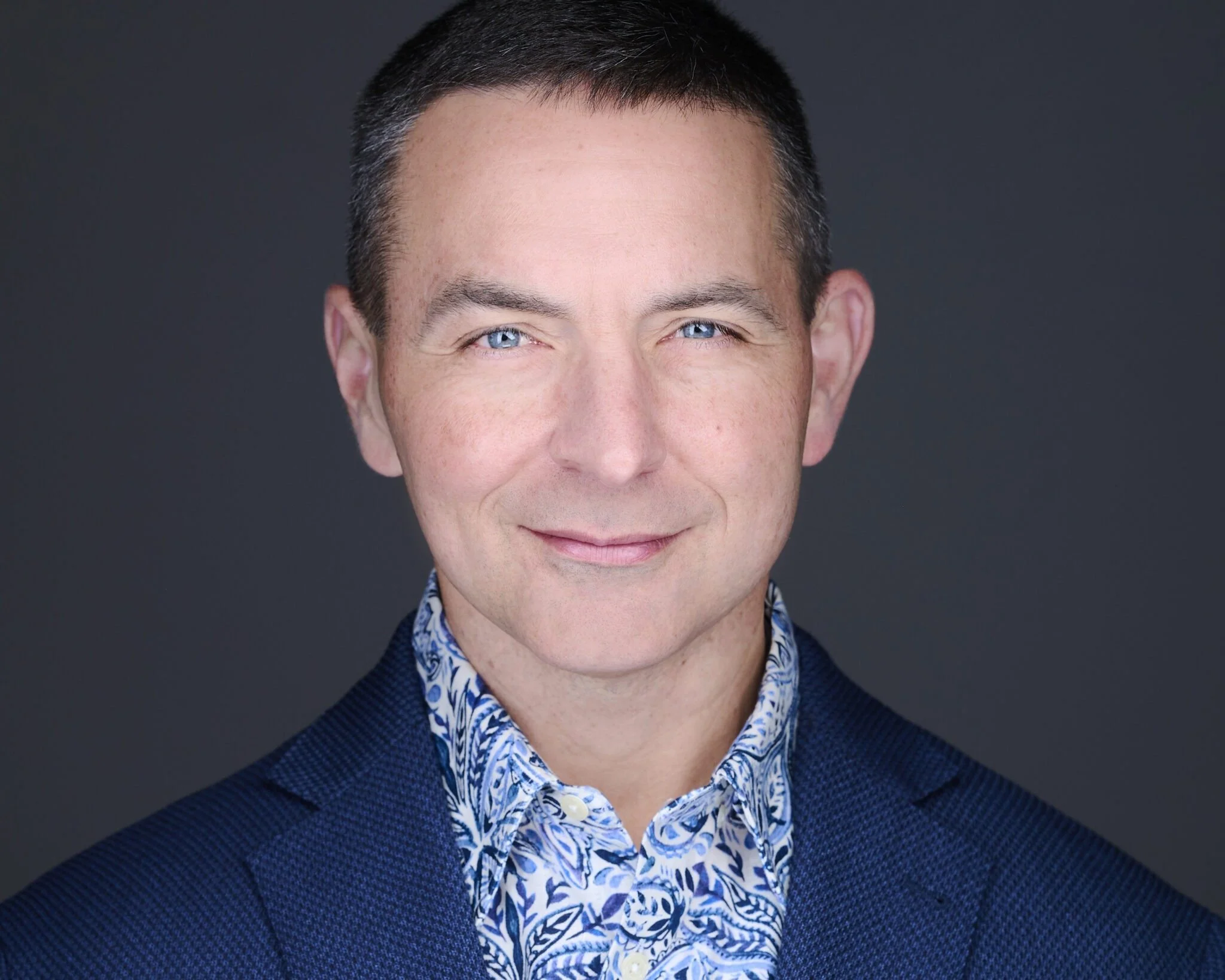
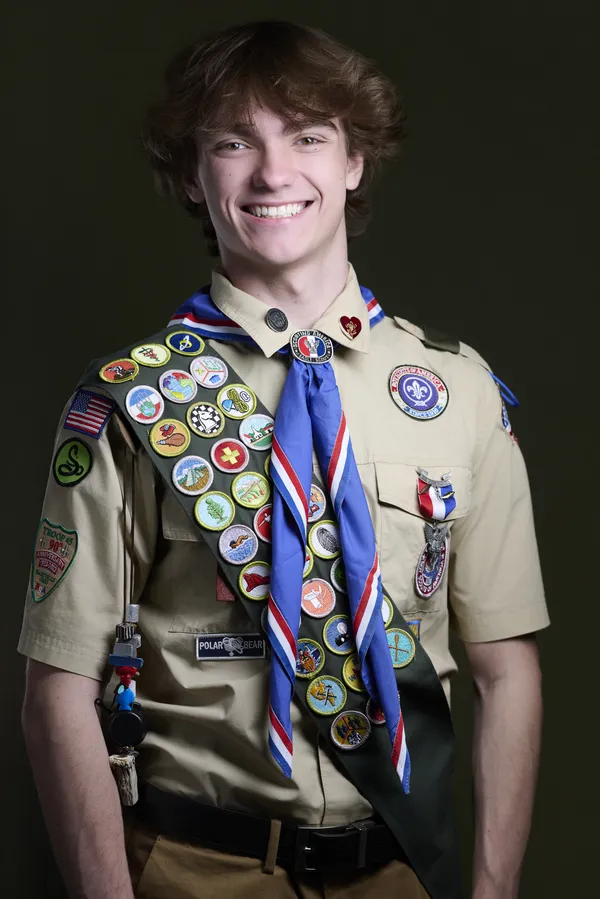
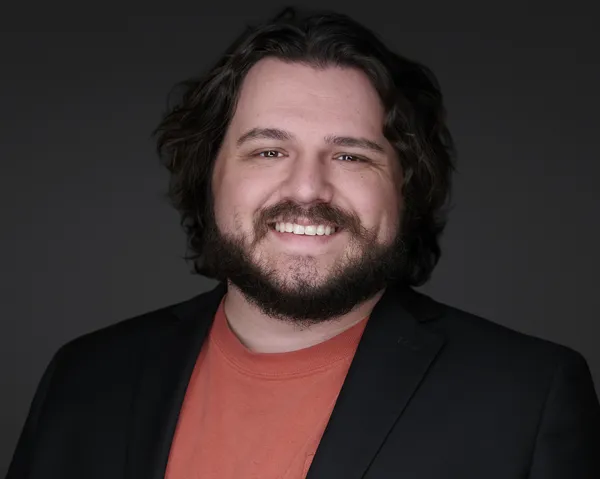
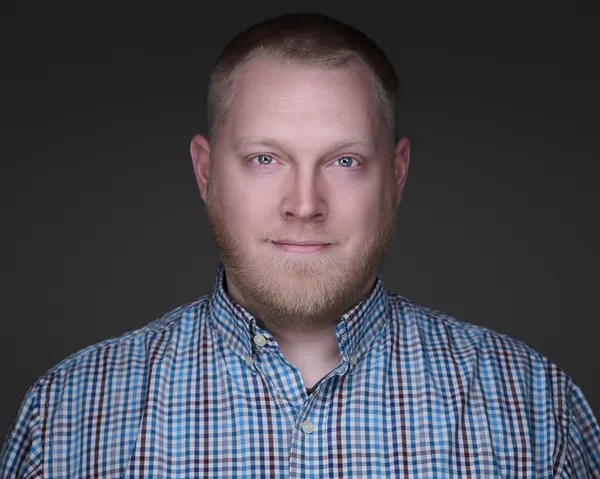
Professional photos that help our clients stand out on LinkedIn
Simple 3-Step Process
Get LinkedIn-ready in three easy steps
SCHEDULE
Book your LinkedIn headshot session online in minutes
SHOOT
Quick 30-minute session with multiple looks and backgrounds
UPLOAD
Receive LinkedIn-optimized files ready to upload to your profile
Frequently Asked Questions
Everything you need to know about LinkedIn headshots
A great LinkedIn headshot is professional, approachable, and current. It should show your face clearly with good lighting, a clean background, and professional attire. You should look like yourself on your best day - confident, friendly, and trustworthy. LinkedIn recommends headshots that fill most of the frame with your face and shoulders.
Wear what you'd wear to meet an important client or attend a professional conference in your industry. Business professional or business casual works for most fields. Solid colors photograph better than busy patterns. Your outfit should reflect your industry norms - a lawyer might wear a suit, while a creative professional might choose smart casual.
Yes! A genuine, warm smile makes you appear approachable and trustworthy. LinkedIn data shows that profiles with smiling photos receive more connection requests and messages. Your smile should look natural and authentic, not forced or overly posed.
Update your LinkedIn headshot every 2-3 years, or whenever your appearance significantly changes. Your photo should look like current you - if someone wouldn't recognize you in person from your photo, it's time for an update.
Clean, simple backgrounds work best for LinkedIn. Solid colors (gray, blue, white) or subtle gradients keep the focus on you. Avoid busy, distracting backgrounds. The background should complement you, not compete with you for attention.
Yes. We deliver files sized and formatted for LinkedIn. LinkedIn profile photos display at 400x400 pixels, and we ensure your headshot looks perfect at that size while also providing high-resolution versions for other uses.
Client Reviews
Unedited Google and Facebook reviews for Andy Eicher Photography. Some reviews cover photography services beyond headshots.
Serving Professionals Throughout Ohio
We work with LinkedIn professionals across all major Ohio markets. Find a location near you:
Upgrade Your LinkedIn Profile Today
A professional LinkedIn photo can support a stronger profile presence and make your image feel more intentional.
Headshot Photography Near You
HeadshotsNEO serves professionals across Northeast Ohio and select Ohio markets by appointment. Visit a location near you: