Edited with AI assistance.
The photo looked good in the gallery. On the team page, the top of the head is cut off and the face looks larger than everyone else's. This is a practical reason to plan headshot crops and file delivery before the website team starts uploading. The final image needs to fit a real layout, and the people publishing it need to know which file to use.
Show the Photographer Where the Image Will Go
Ask the website editor, designer or organizer for the requirements. A screenshot of the layout can explain the job more clearly than a request for "a high-resolution headshot." Record the shape, dimensions, file type and any upload limit they actually need.
For a platform upload, check that platform's current instructions. Requirements can change. A saved list from an earlier project may not describe the destination you're using now.
For a company website, ask whether the editor crops the image manually or whether the site applies a fixed frame. Knowing that in advance helps you request enough room around the subject.
Keep an Approved Master You Can Find Again
Keep the photographer's delivered master in company storage, with the session date and approved subject name. Make smaller or differently cropped exports from that file when needed. Avoid passing around a small image downloaded from a profile and eventually treating it as the only source.
Use filenames another employee can understand. For example, firstname-lastname_headshot_web-approved.jpg explains more than final-new-2.jpg. Keep proofs and earlier edits in a separate place so they aren't accidentally published.
For a team project, a small delivery record is useful:
- Subject's confirmed name.
- Approved final filename.
- Intended page or use.
- Any crop or version that needs special attention.
- Who approved publication.
Confirm permitted uses through the photography agreement, particularly if the files will also be used in advertising or supplied to outside organizations.
Compare Faces in the Layout
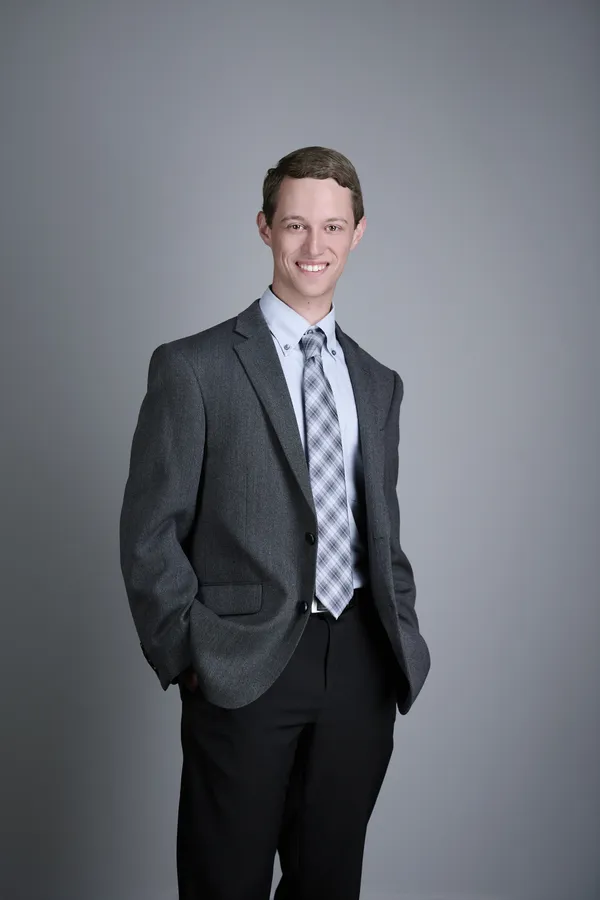
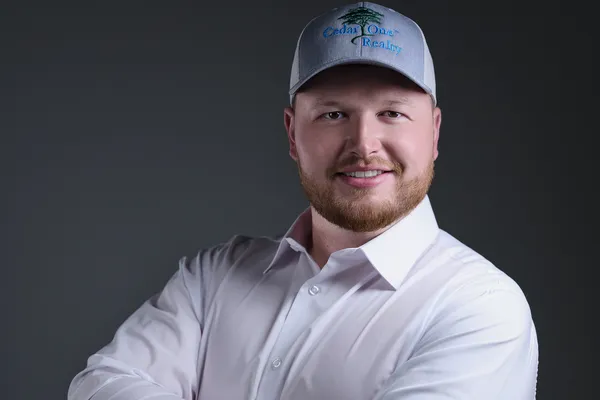
Equal file dimensions don't necessarily create equal-looking portraits. Preview the photos together and compare apparent face size, eye position and the room above each head. Check the circular or other fixed crop the site will apply.
Also look on a phone. A design may change the image container at a narrow screen width. Ask the editor to adjust the placement or request another suitable export if an important part of the portrait disappears.
A handoff note can make the intended result clear:
Please use [approved filename] on the team page. Match the face size and eye position of the existing portraits. Check the circular crop on desktop and phone before publishing. The original delivered file is stored at [approved location].
Check the Download Before Forwarding It
Open the files you received and match them to the approved selections. Confirm that every expected person and version is present. Tell the photographer about a missing or incorrect file while the delivery is easy to identify.
Then give the marketing team the approved files and the brief together. A correct image with an unclear handoff can still end up cropped or labeled incorrectly.
If you already know the layouts you need, send them to HeadshotsNEO before the session. That gives the photography and delivery plan a concrete target, rather than leaving the final framing decision to whoever happens to upload the file.