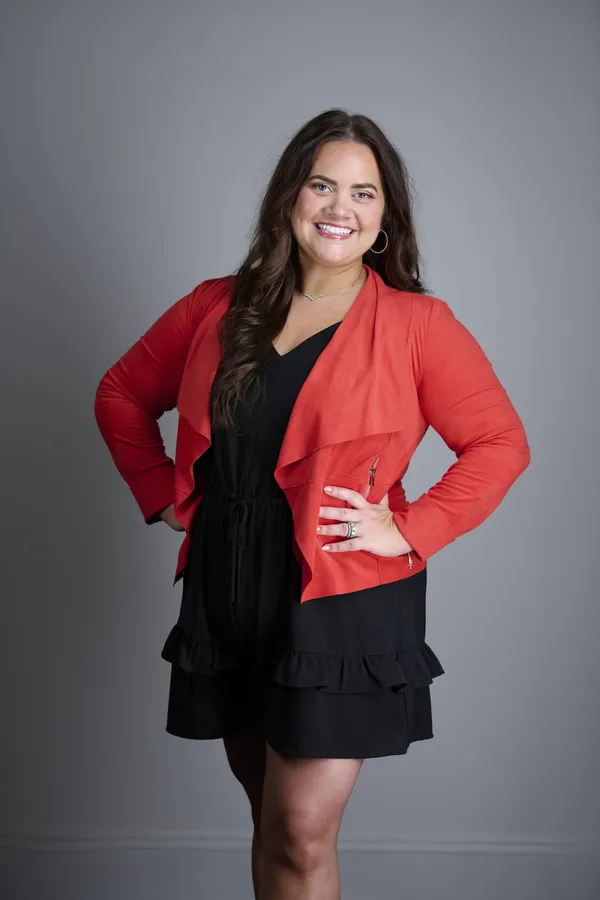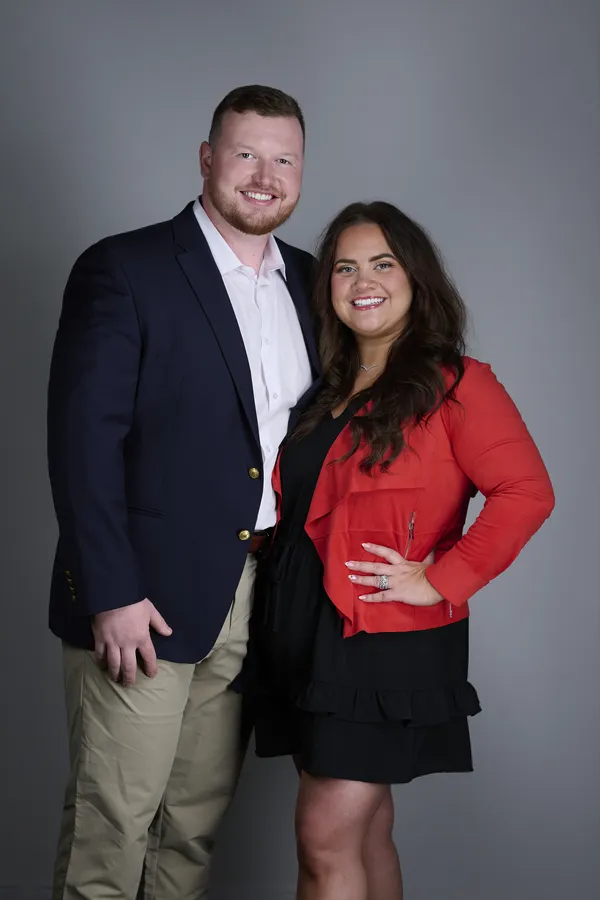

Decide what the company headshots need to accomplish
Before choosing a date, define where the images will be used. A leadership page, company directory, LinkedIn rollout, proposal template, and press kit may all need slightly different crops or levels of polish.
When HR, marketing, and leadership agree on the goal early, the headshot day runs smoother and the final gallery is more consistent.
- List every place the images will appear.
- Decide whether the look should be formal, approachable, or brand-forward.
- Choose background and crop standards before employees arrive.
- Confirm whether you need individual images, team photos, or both.
Build a schedule that protects everyone’s time
The best headshot days are organized in short appointment windows. Employees should know when to arrive, what to wear, and how long the process will take. Avoid open-ended drop-ins unless the group is very small.
Most people only need a few minutes in front of the camera when the setup is ready. The time savings come from preparation, not rushing.
- Use appointment blocks by department.
- Leave buffer time for late arrivals and retakes.
- Give leadership or high-priority staff backup windows.
- Send reminders the day before and morning of the session.
Prepare the space
A good headshot setup needs more than a blank wall. The photographer needs room for lighting, camera position, subject distance, and a small waiting area. Conference rooms can work well if furniture can be moved.
If the office is cramped or visually busy, a portable studio background may create cleaner and more consistent results than using the natural workspace.
- Reserve a room with controllable light if possible.
- Clear clutter before the photographer arrives.
- Provide nearby mirror access if available.
- Keep the route easy so employees can move in and out quickly.
Tell employees what to wear
Employee prep should be simple and specific. Give people a wardrobe direction that matches the brand without making them feel like they need to buy something new.
For most companies, solid colors, clean layers, and simple accessories are enough. If the company has brand colors, suggest complementary tones rather than requiring exact matches.
- Send wardrobe guidance at least one week ahead.
- Recommend solid colors and well-fitting layers.
- Discourage logos, loud patterns, and wrinkled shirts.
- Invite employees to bring a backup jacket or top.
Plan image selection and delivery
Decide whether employees choose their own image or the company selects final files. Both approaches can work, but the decision affects timeline and consistency.
For marketing use, it often helps to have a consistent final selection process so the company page does not end up with different crops, expressions, or editing styles.
- Confirm retouching expectations before the session.
- Decide who receives galleries and final files.
- Use consistent file names for directories and websites.
- Schedule makeup sessions for new hires or absences.